March 10, 2026
While colorists and post-production artists have long relied on OmniScope for signal analysis, working on-set and in live production environments brings a different set of demands. DITs need fast signal routing. Live event engineers need multi-camera monitoring. Everyone needs tools that keep up with the pace of real-time production.
Today, we're launching Live Pack — a premium add-on for Nobe OmniScope Pro that transforms it into a complete on-set and live production monitoring hub.
Live Pack is available as a one-time purchase starting at $99 / €85 (launch offer, regular $149) for a 2-seat license, with no subscription or recurring fees.
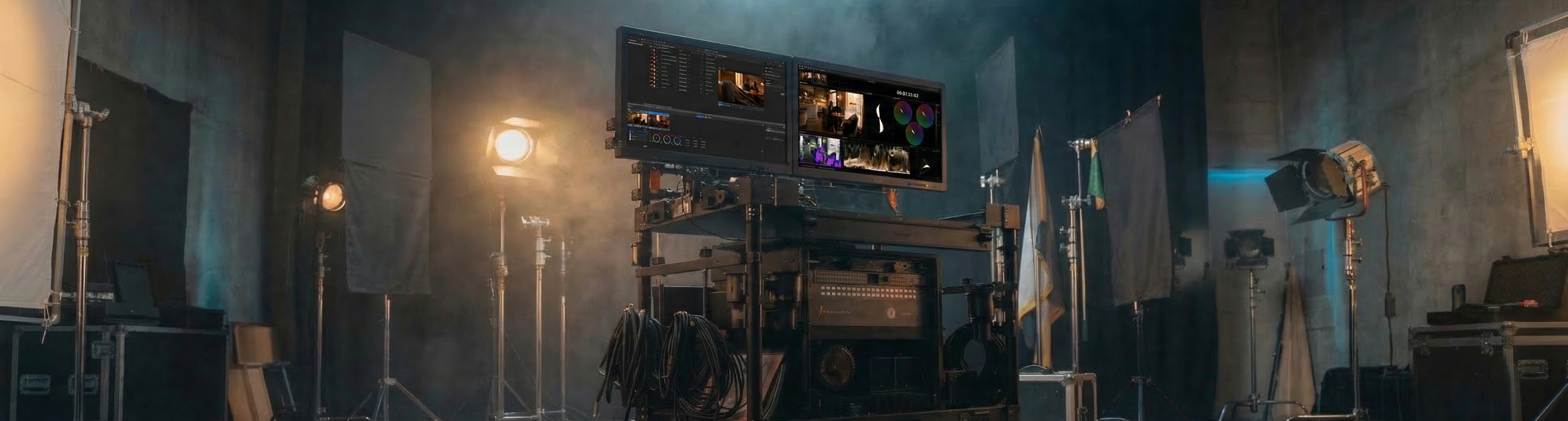
Live Pack unlocks seven features built specifically for real-time workflows:
SDI Output — Route any input signal back out through Blackmagic DeckLink or UltraStudio hardware. Send the monitored feed to external monitors for confidence monitoring and on-set signal routing.
Pomfort Livegrade Integration — Native integration with Pomfort Livegrade for color-graded monitoring. Zero-copy, near zero-latency GPU signal sharing — no SDI loopbacks, no extra hardware. Requires Livegrade 7.1 or later.
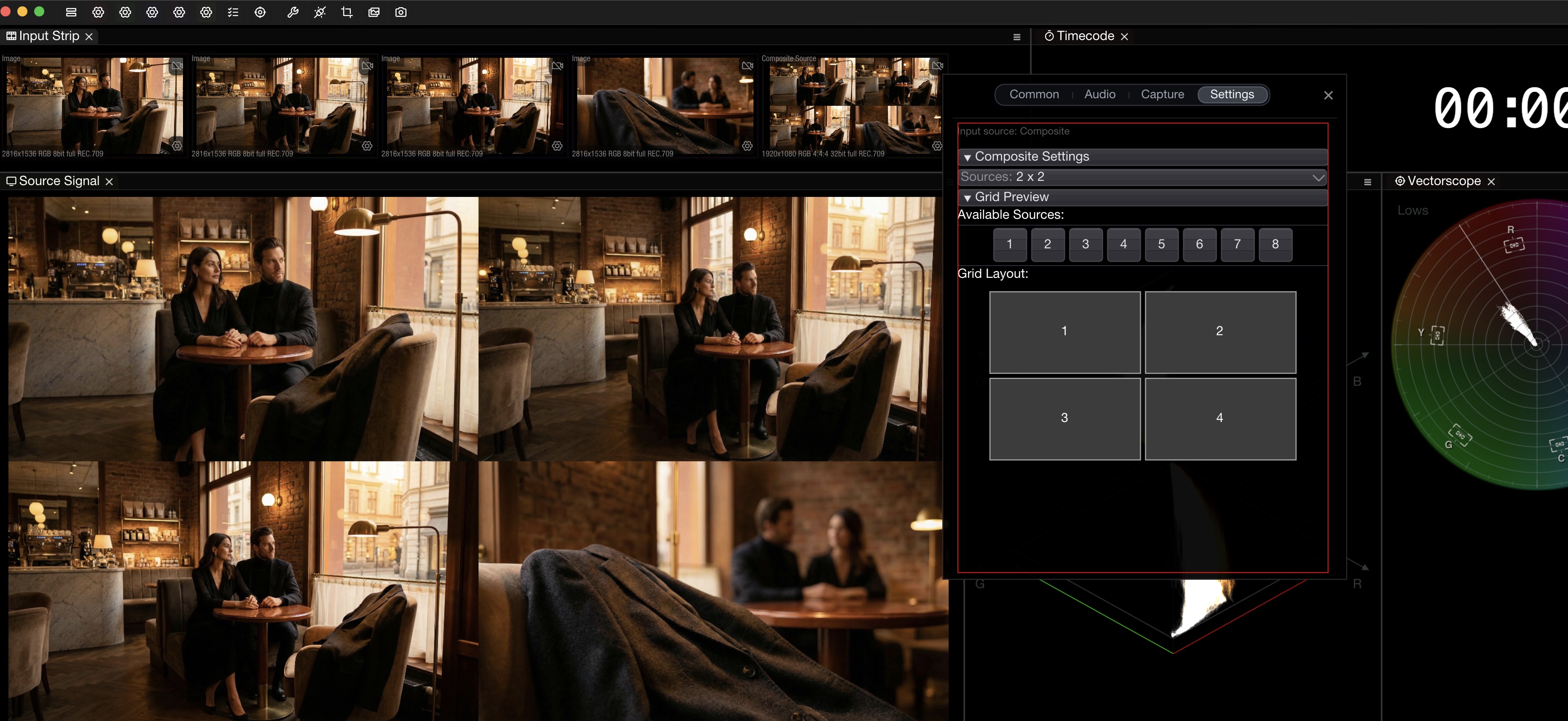
Multi-Input Monitoring — Support for unlimited input signals with composite grid layouts. Choose from 1x2, 2x2, 2x3, and 2x4 presets — drag and drop to build a multi-viewer inside OmniScope.
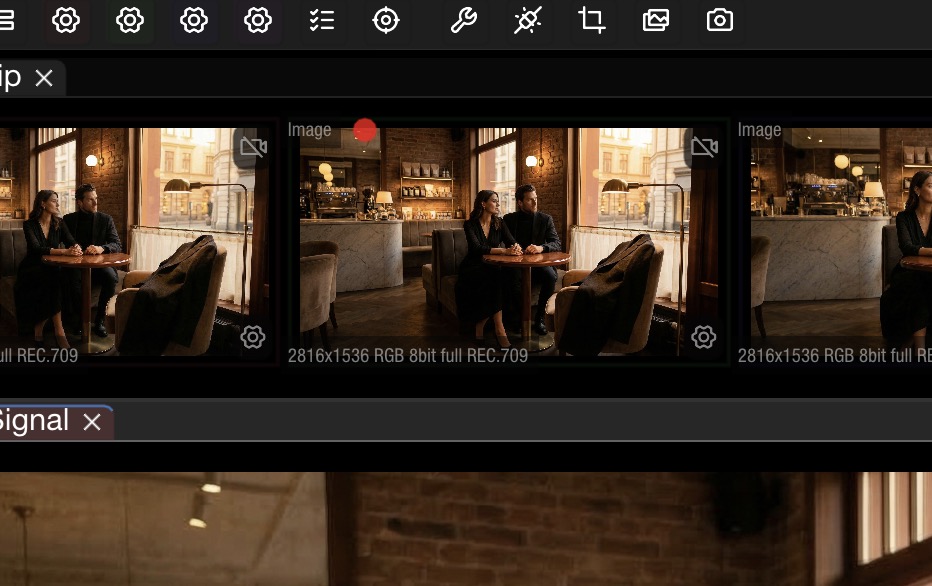
Record to File — Capture live feeds to H.264 or ProRes directly to disk. Trigger recording via keyboard shortcuts or Stream Deck. Configure codec, resolution, and filename templates per input.
Live Pack overview by Sean Sweeney, Digital Imaging Technician
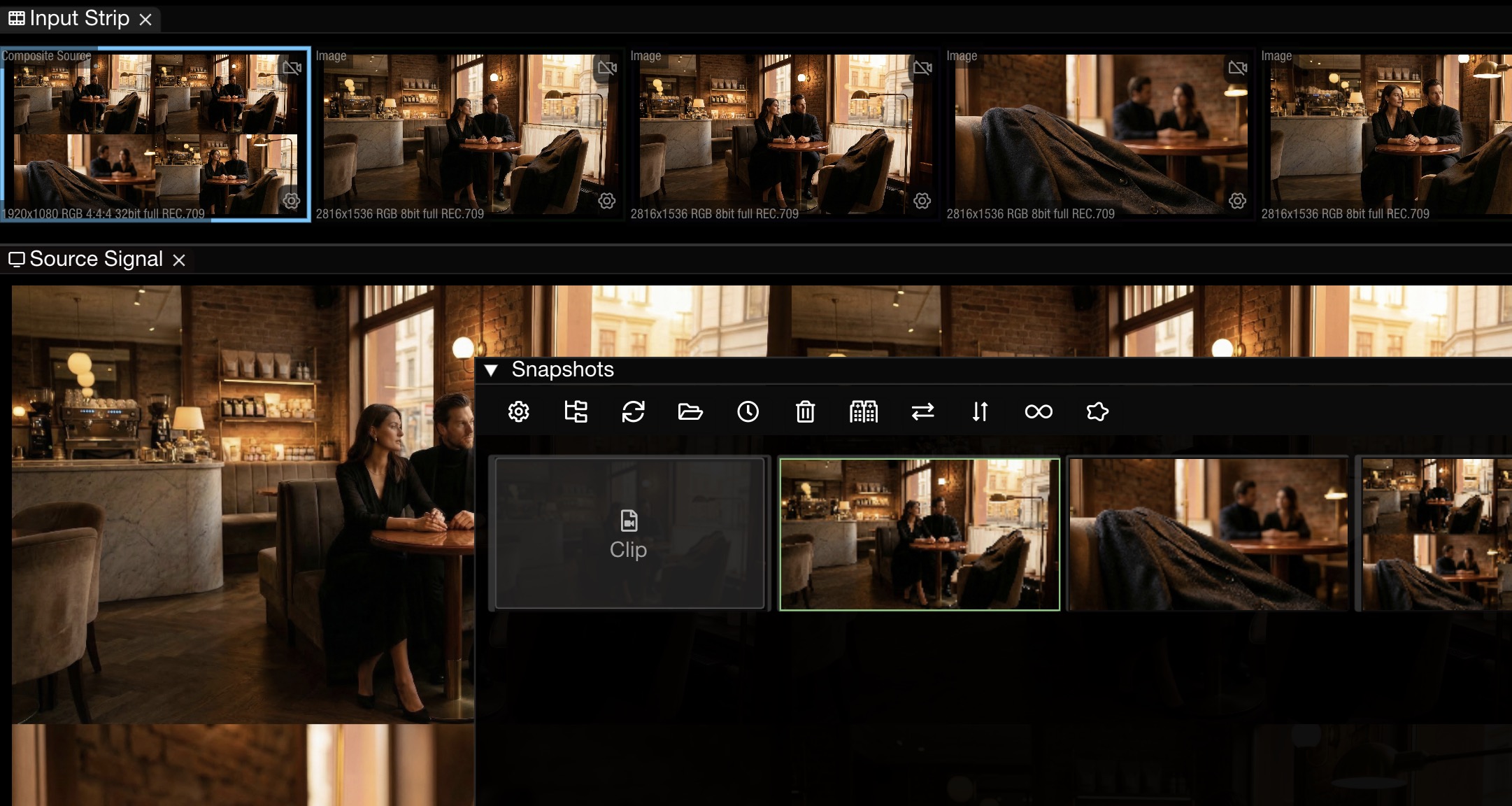
Composite Views & Snapshots — Capture still frames at configurable intervals (down to milliseconds) for live camera matching, set documentation, and visual consistency checks. Snapshots can be used as live input sources for side-by-side comparisons.
Focus Peaking — Real-time sharpness verification with adjustable threshold and peaking color. Two modes: Enhanced Edges and Normal.
Loudness Meter — EBU R128 and ATSC A/85 loudness compliance monitoring with real-time color-coded bar graphs showing Momentary, Short-Term, and Integrated levels.
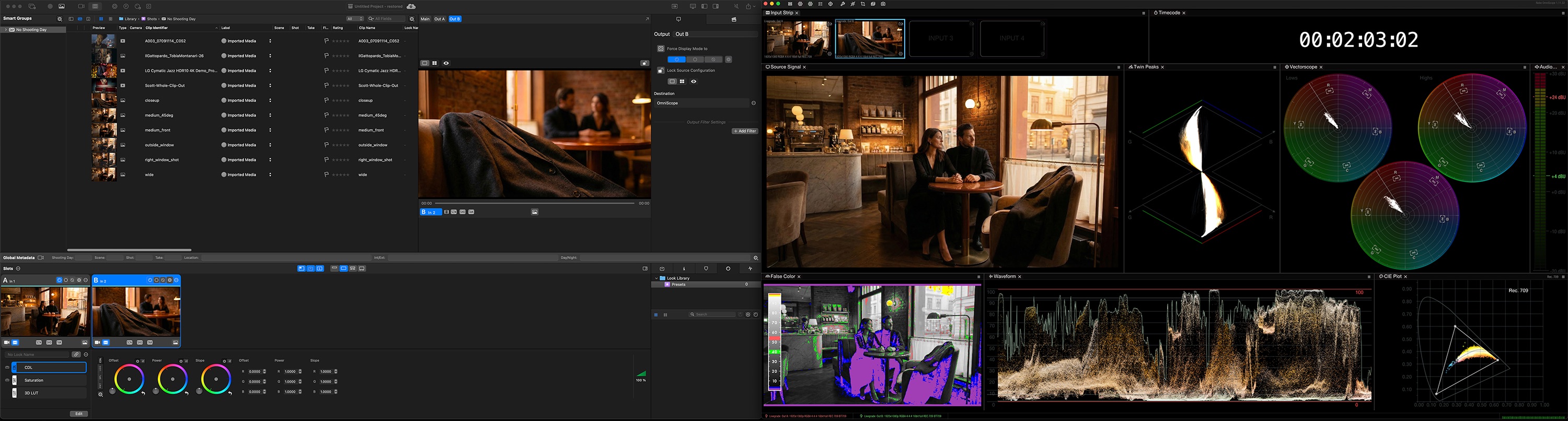
This was one of the most requested features from working DITs — and it's a big one. With SDI Out, you can route any input signal back out through supported Blackmagic Design I/O hardware. This lets you send the monitored feed to another monitor or device on set, which is essential for signal routing and confidence monitoring in professional production environments.
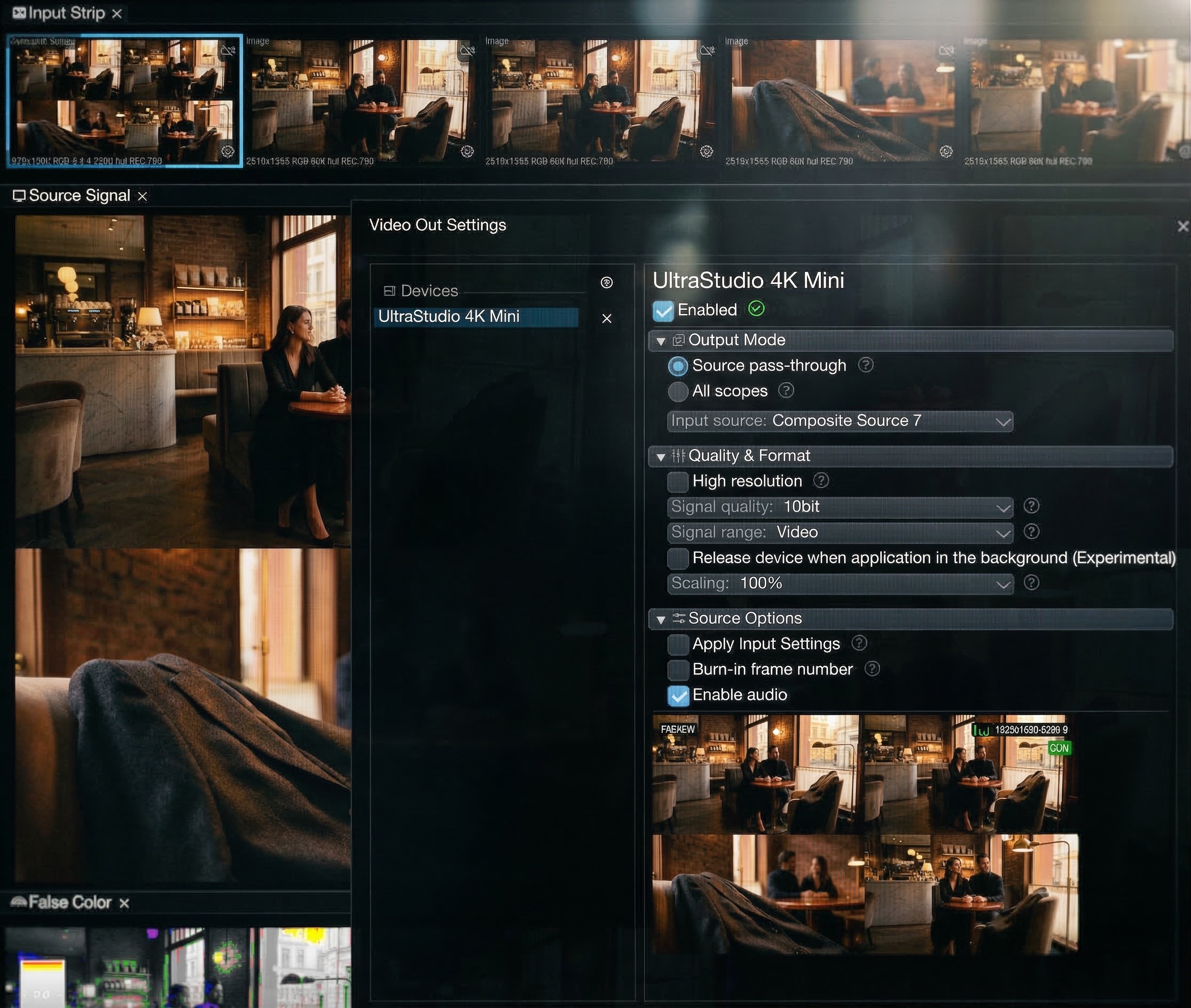
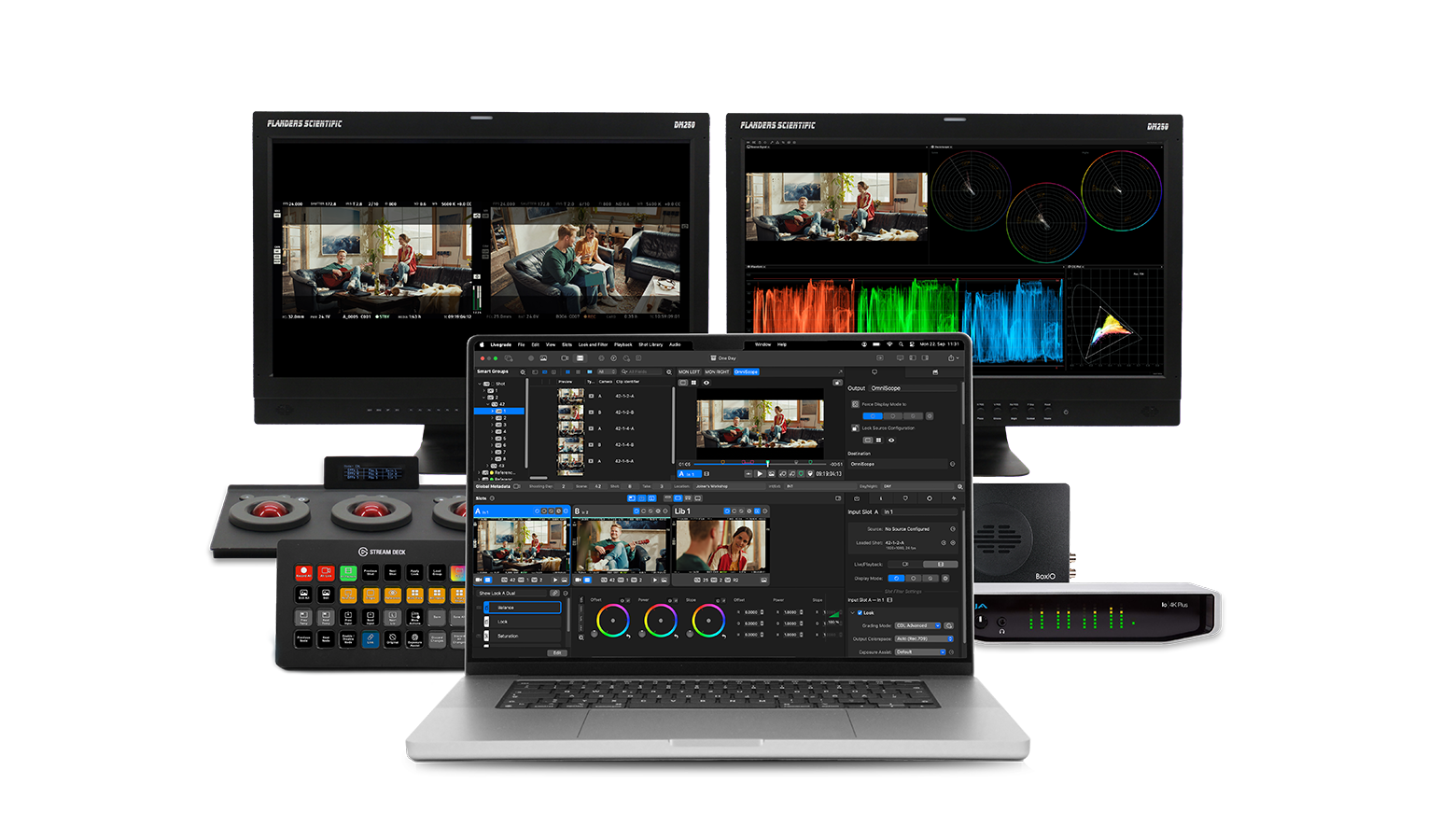
For DITs who work with Pomfort Livegrade for on-set live color grading, this integration is transformative. Previously, monitoring Livegrade output in OmniScope required routing a separate SDI signal — extra cable, extra hardware, extra complexity. With Live Pack, OmniScope receives Livegrade's color-graded signal directly via software, using zero-copy GPU signal sharing with near zero latency.
This is especially valuable for multi-cam events and live broadcast workflows where reducing cable runs and hardware overhead makes a real difference.
Video by Sean Sweeney
Live Pack unlocks support for unlimited input signals. The Input Strip lets you quickly switch between feeds, and Composite Input Sources let you combine multiple inputs into a custom grid layout — just drag and drop to build a multi-viewer inside OmniScope.
Available grid presets include 1x2, 2x2, 2x3, and 2x4 configurations. This is ideal for camera matching and signal comparisons across multiple sources, all in one window. Directors, shader operators, and colorists working on multi-cam productions will find this indispensable.
Live Pack enables direct recording to H.264 or ProRes (macOS). Start and stop capture with a keyboard shortcut or map it to a Stream Deck button for instant access. Each input source can be configured independently with its own codec, resolution, and filename template. When recording is active, a red dot indicator appears in the input strip for clear visual feedback.
Auto Snapshots take it further — capture still frames at configurable intervals from minutes down to milliseconds. This is invaluable for live camera matching, documenting set looks, and tracking visual changes across time. Even cooler: captured snapshots can be treated as live input sources, making side-by-side comparisons seamless.
Live Pack is designed for professionals who work in real-time production environments:
Live Pack is available now as a one-time add-on purchase for Nobe OmniScope Pro:
To purchase, visit the Live Pack page and verify your existing OmniScope Pro license to unlock checkout.

