Hi there, |
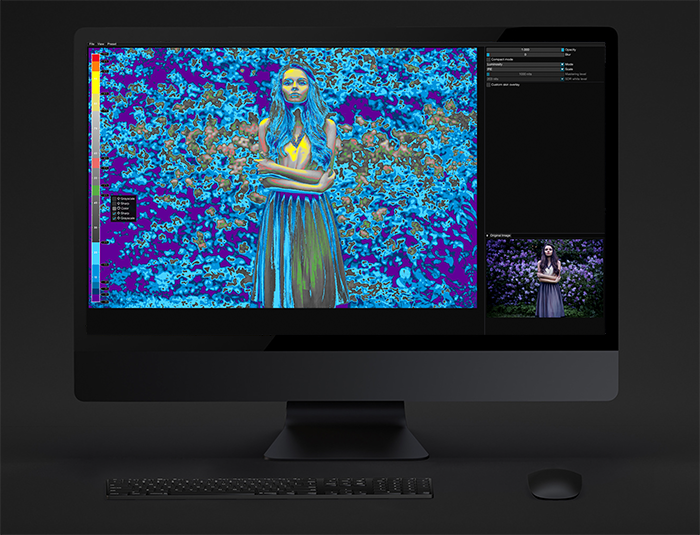
We are excited to share some big news with you - False Color 4 is now in open beta! As the top false color tool on the market, we've added some amazing new features to this version, including HDR support, configurable SDR white level, and mastering level. Plus, you'll find even more scale types to choose from. And, of course, we've kept all of your favorite presets based on industry standard solutions.
We've also completely redesigned our visual editor, making it even more intuitive and user-friendly. |
|
If you're ready to take False Color 4 for a spin, download the trial version below and let us know what you think! We're always looking for feedback and ways to improve our product. Thanks for your support and we can't wait to hear your thoughts on the new version of False Color. |
|
Downloads |
|
|
|
|
|
|
Highlights |
|
- HDR support,
- Multiple scale options,
- Ready-to-use presets,
- Simplified editor,
- Unlimited number of ranges,
- 3D LUT export,
- Many more image formats support,
Supported platforms are:- DaVinci Resolve,
- Premiere Pro & After Effects,
- Final Cut Pro X,
- Adobe Photoshop,
- Affinity Photo,
- Standalone app,
|
|
HDR support |
|
False Color 4 is now compatible with HDR workflows. You can now use it to check your HDR images and videos. The scale is automatically adjusted to the HDR range, so you can easily see the highlights and SDR range. |
|
Configurable SDR white level |
|
The SDR white level is configurable and you can choose one of the following options: |
|
Simplified editor |
|
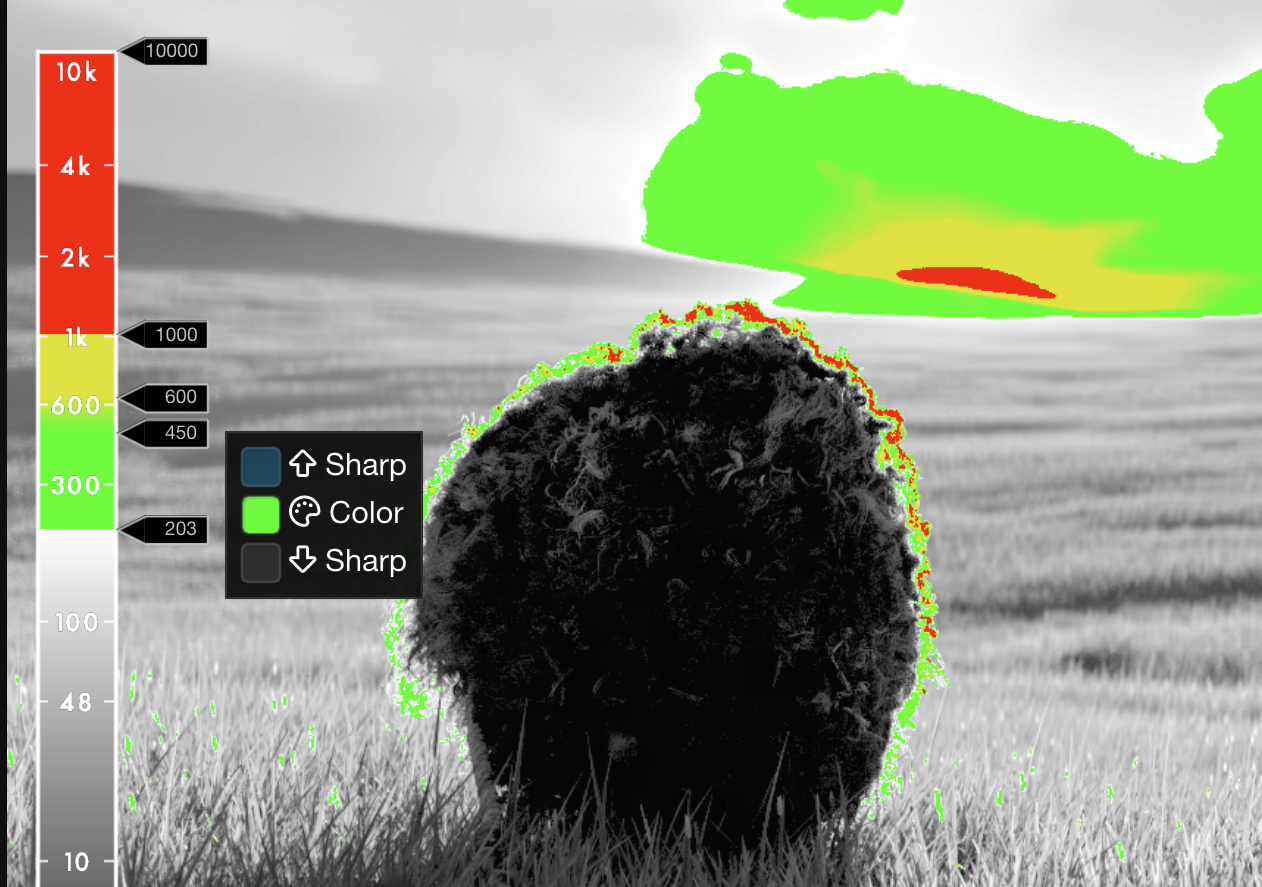
Redesigned editor now allows you to easily create and edit ranges. The sliders can be added and removed by clicking on the scale. |
|
Multiple scale options |
|
Depending on your workflow choose the scale that suits you best. You can choose between: - IRE,
- 8-bit,
- 10-bit,
- mV,
- PQ,
- HLG.
|
|
Ready-to-use presets |
|
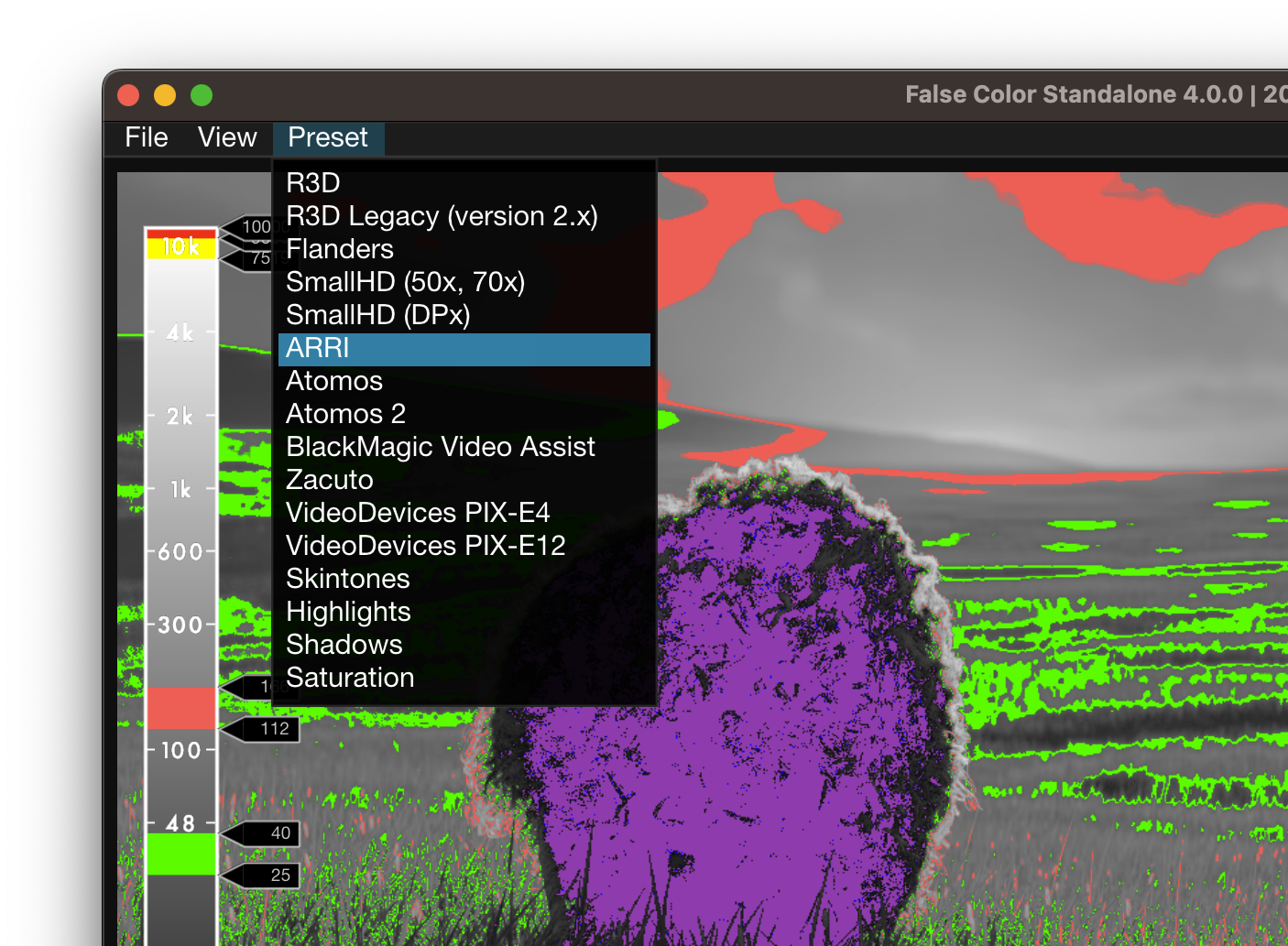
False Color 4 comes with a set of ready-to-use presets. You can immediately start using them in your favorite software. |
|